Coming soon to the App Store · iPhone, iPad & Apple Watch
Spiriators Breath Timer
A moment to breathe. A moment to come home.
Focused breath rhythms for Sleep, Focus, Calm and Energy — with a soft orb, voice from Johannes or Tessa, wrist haptics, a widget and guidance per rhythm.
Read more
Built for moments when you only want breath: before sleep, after work, before an important conversation, or simply to land. No account, no paywall — open and start.
On Apple Watch you can breathe solo. On iPad you get more room for the orb. We will place the App Store link here once Apple has approved the app.
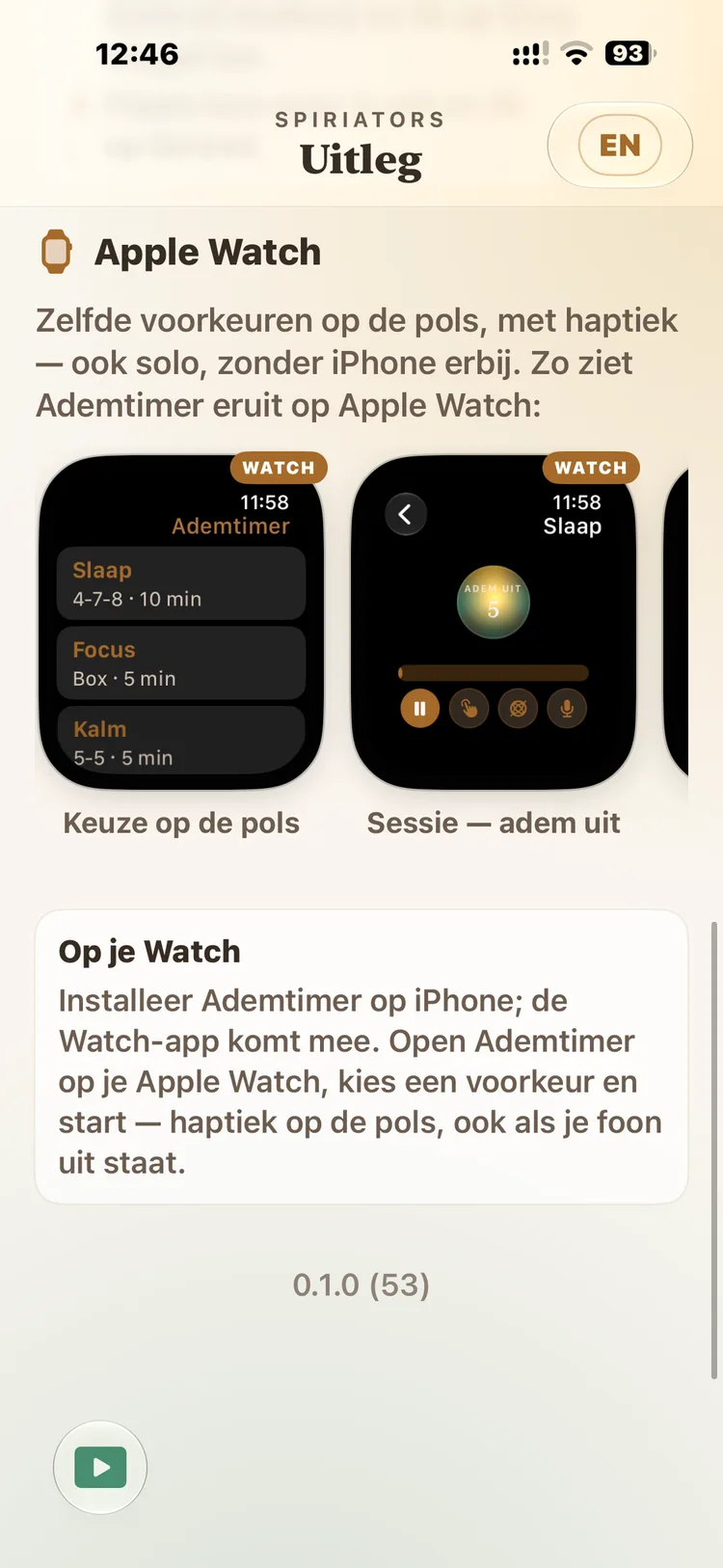
Table of contents
iPhone
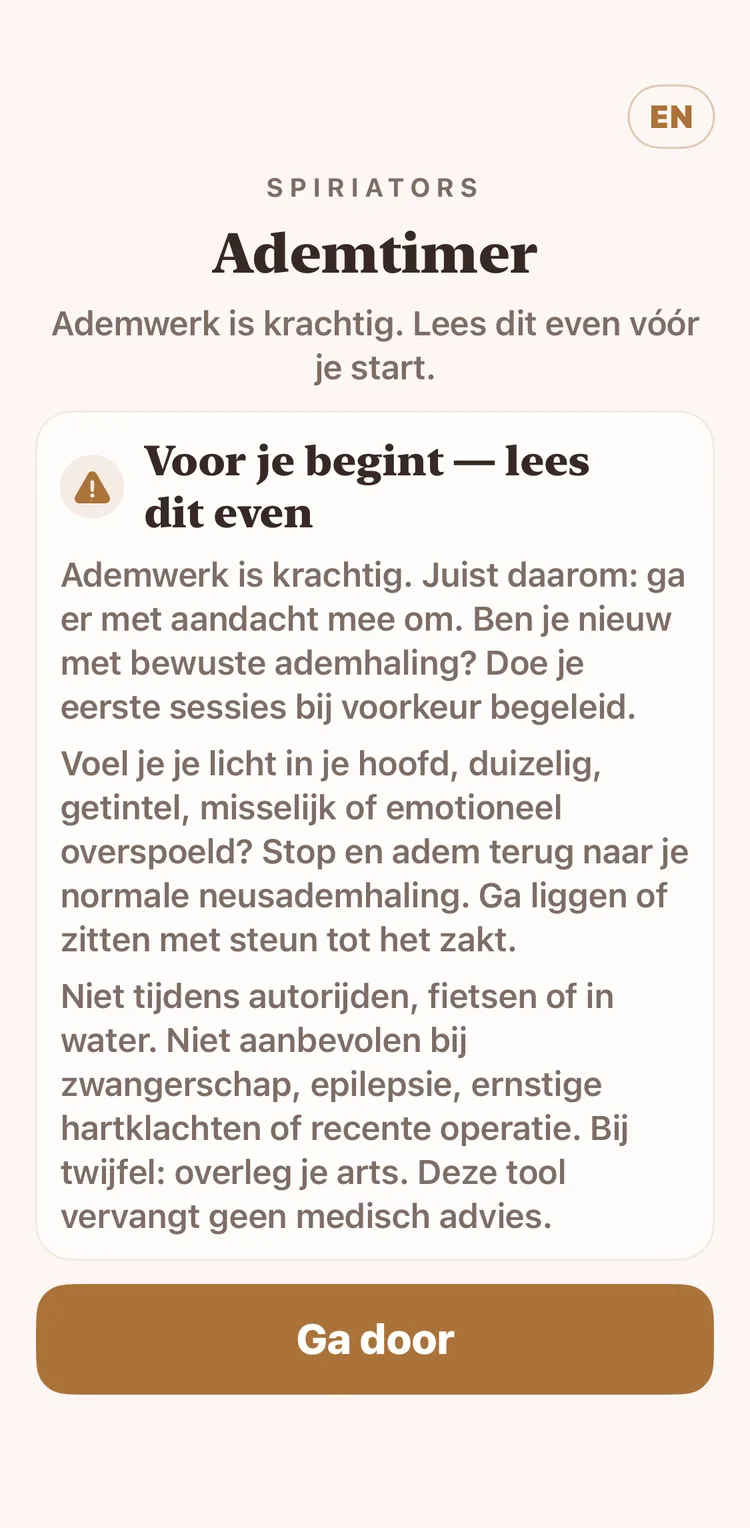
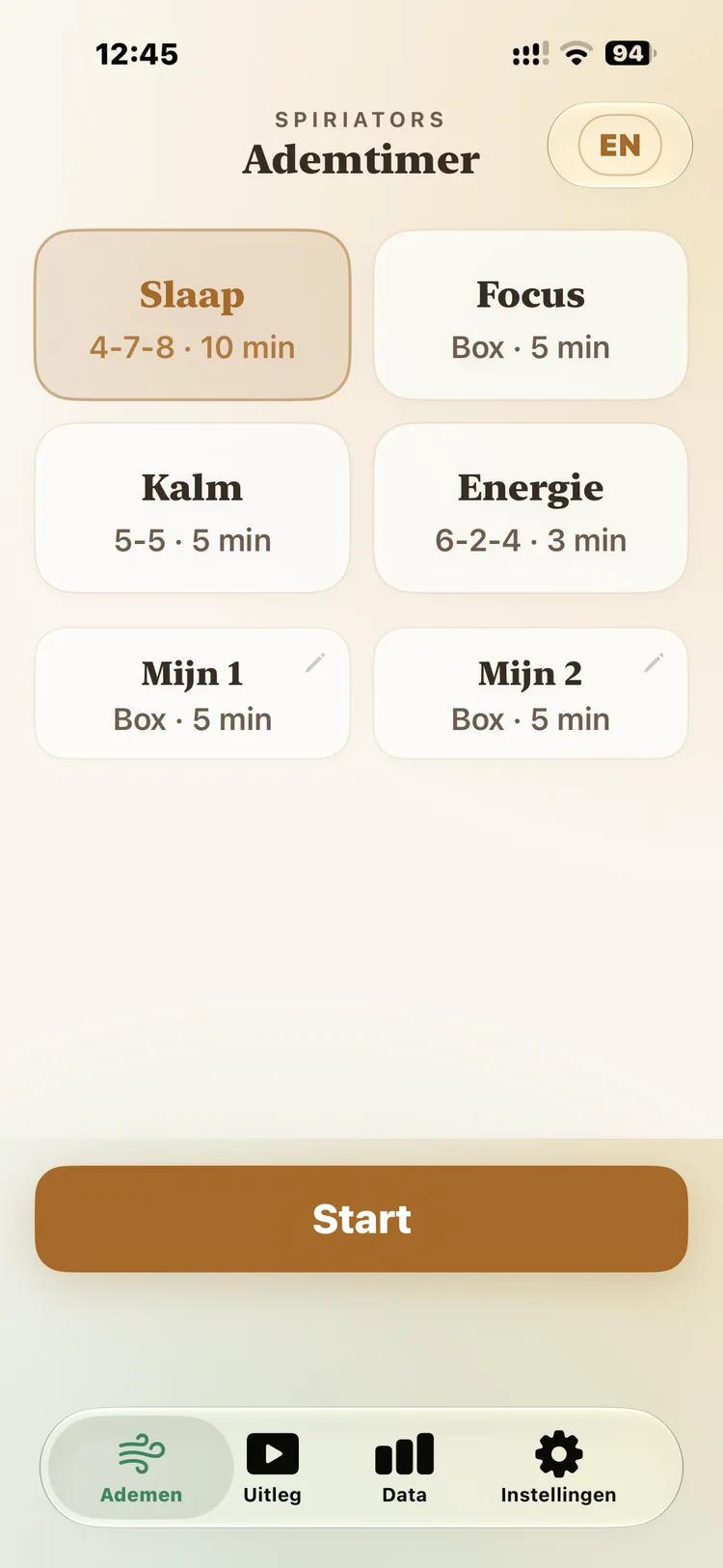
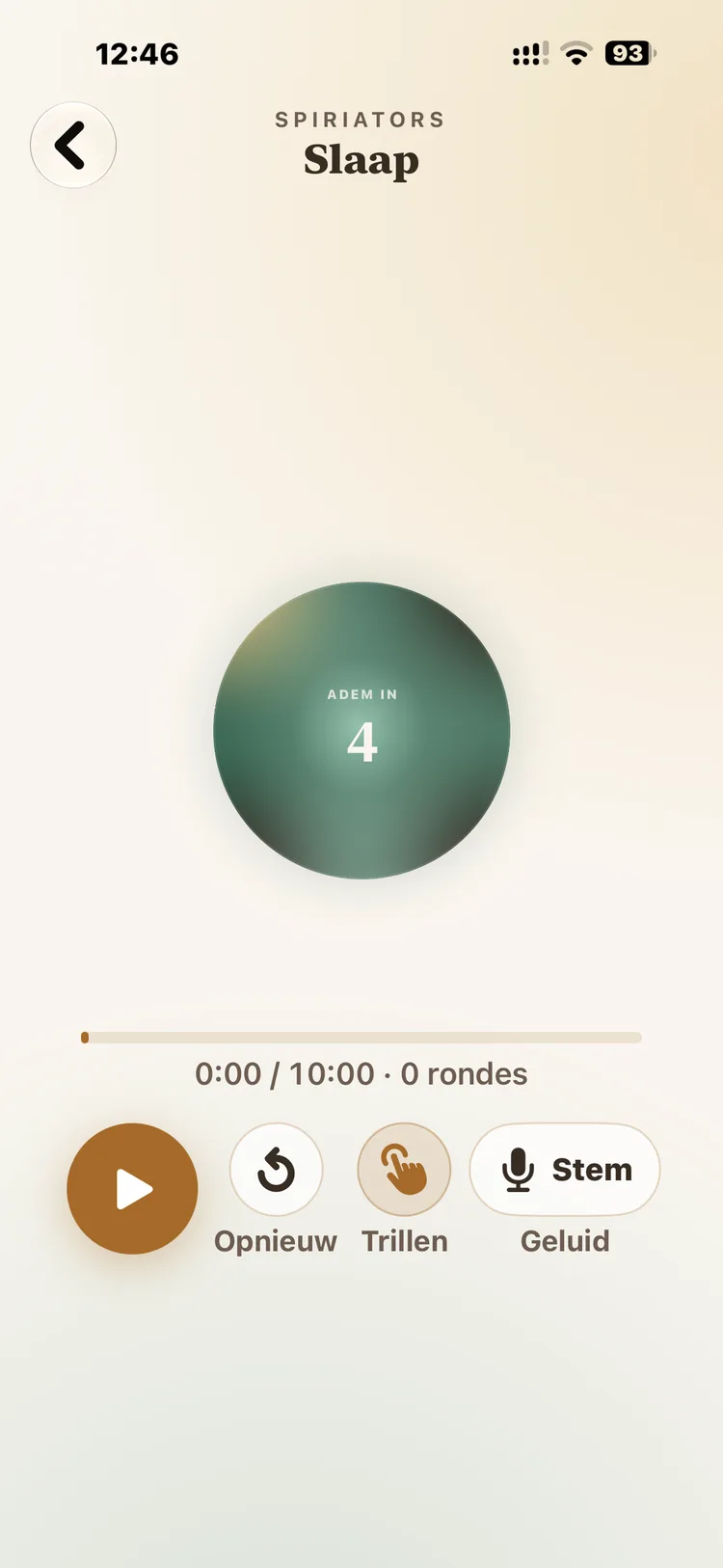
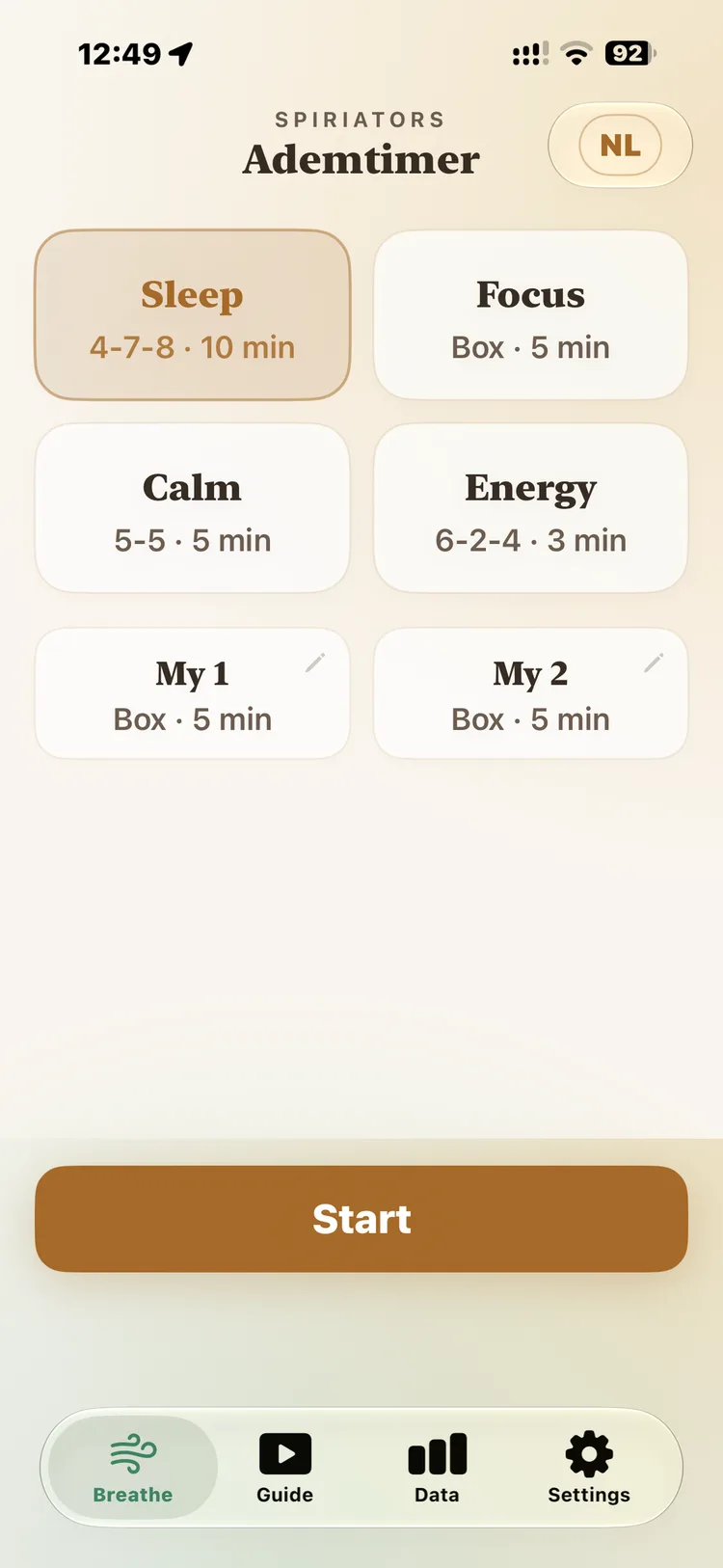
On your phone — from pick to session
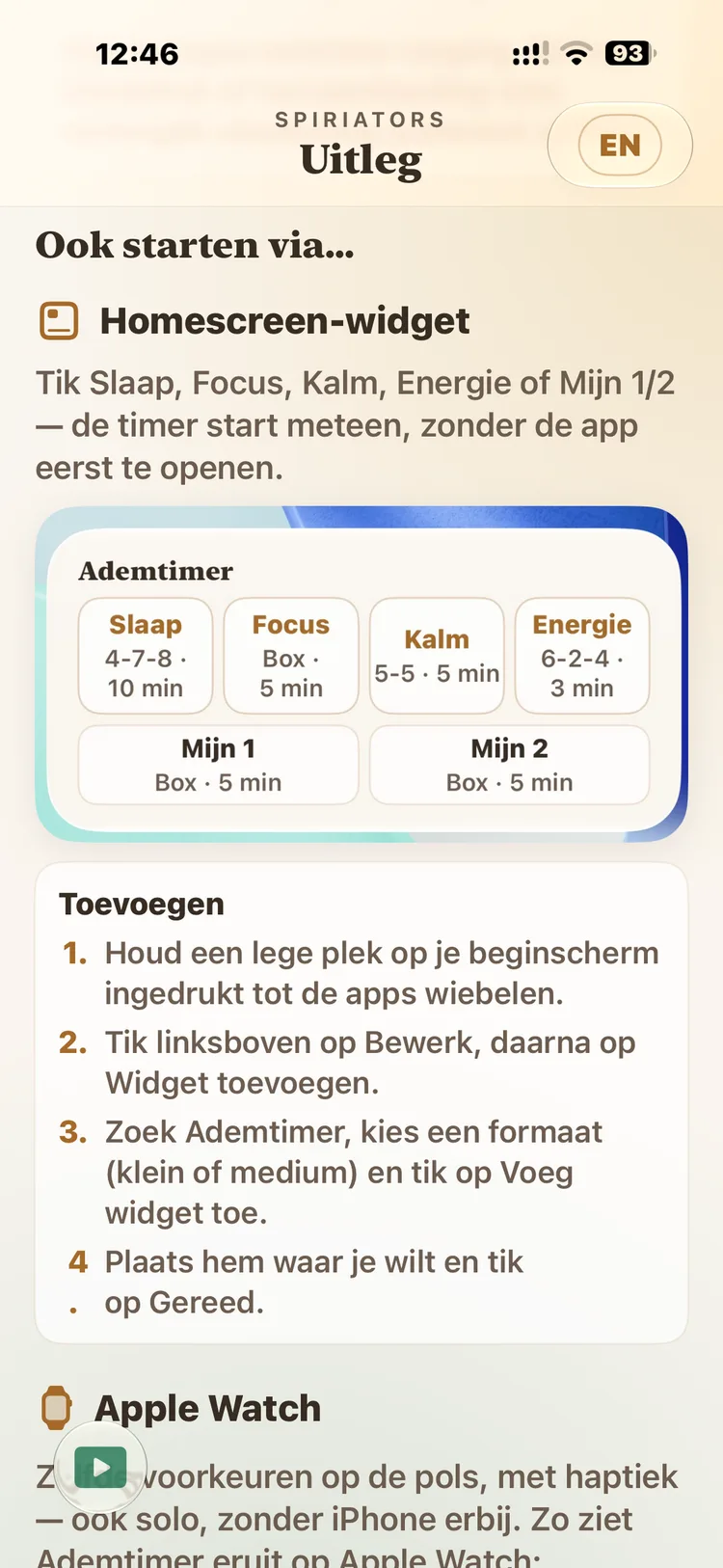
Safety intro, rhythms, orb, guidance, widget and settings.
iPad
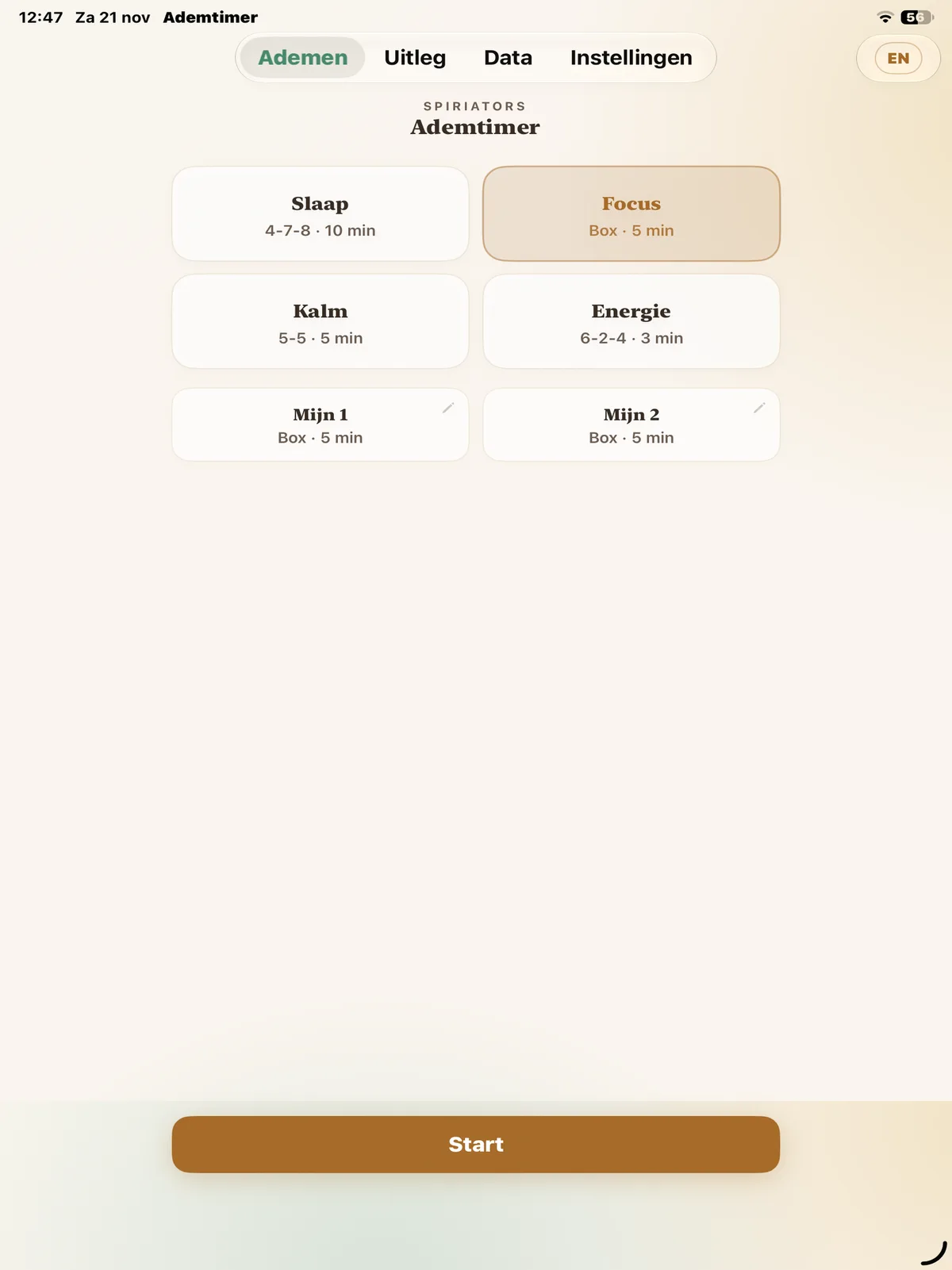
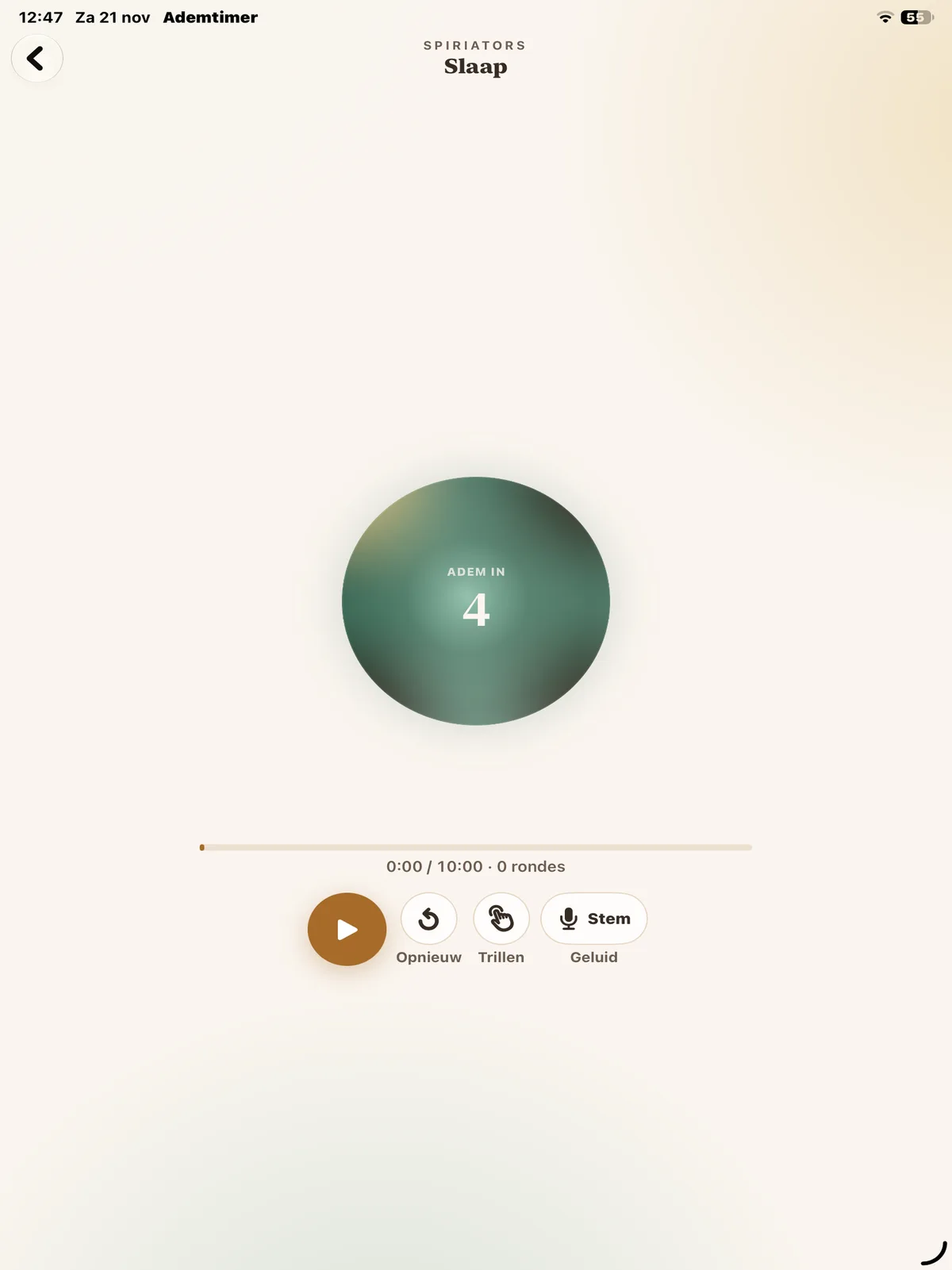
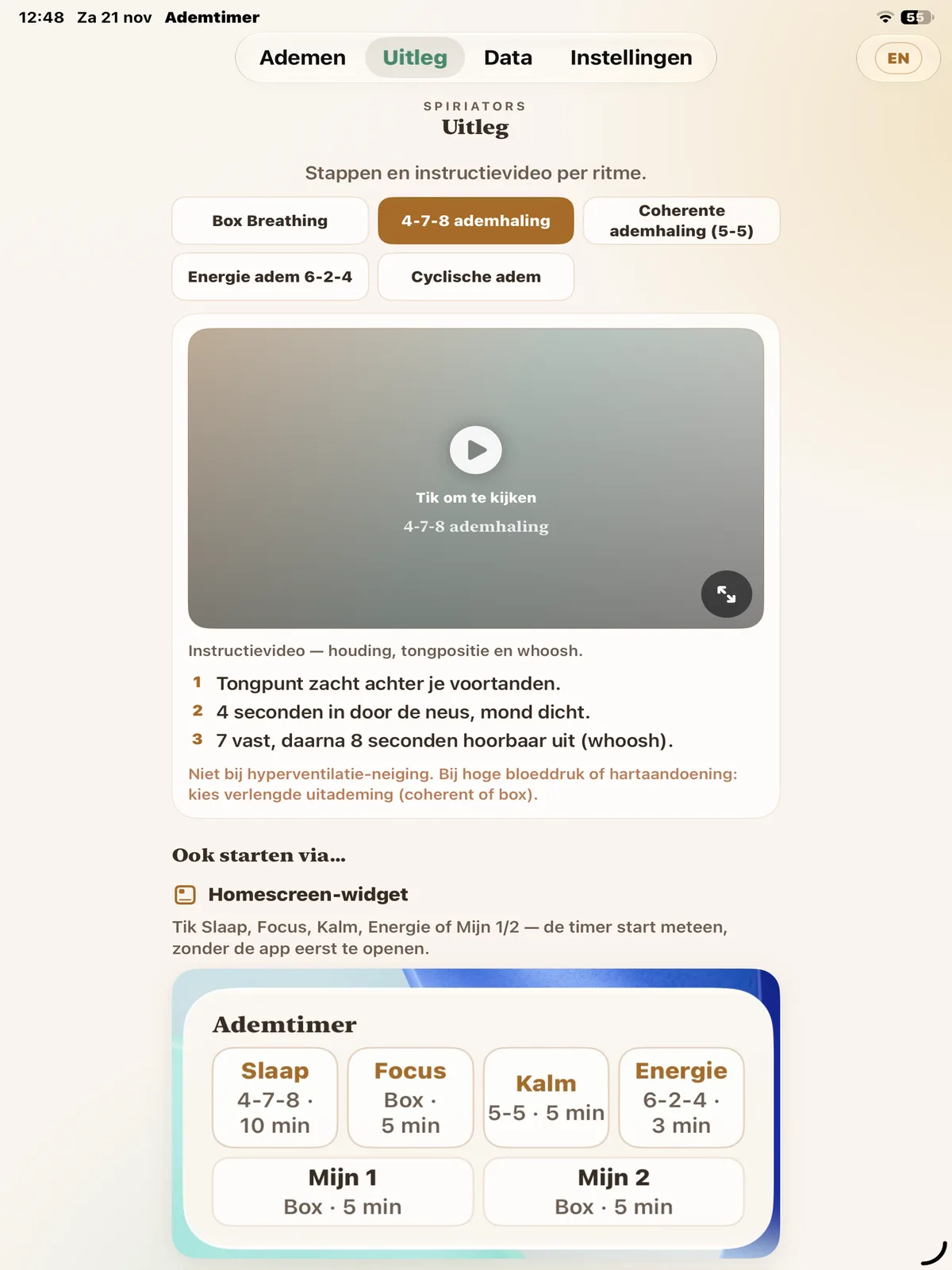
More room for the orb
Same rhythms, calmer frame — nice on your lap or beside the mat.
Apple Watch
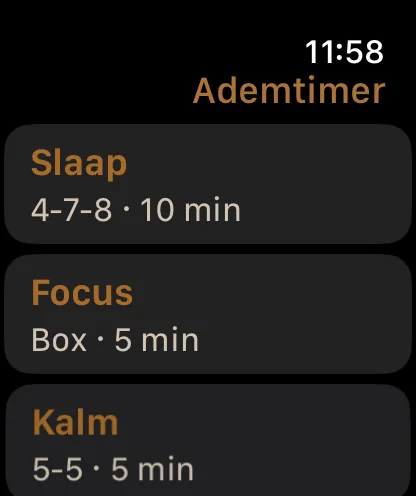
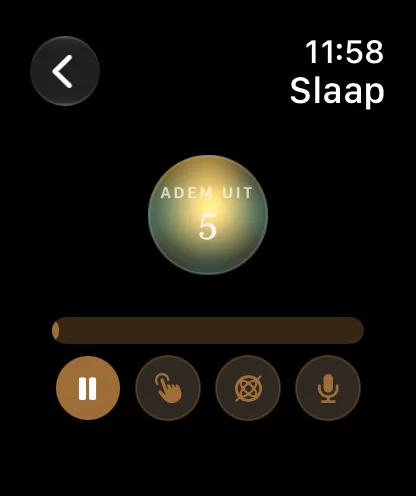
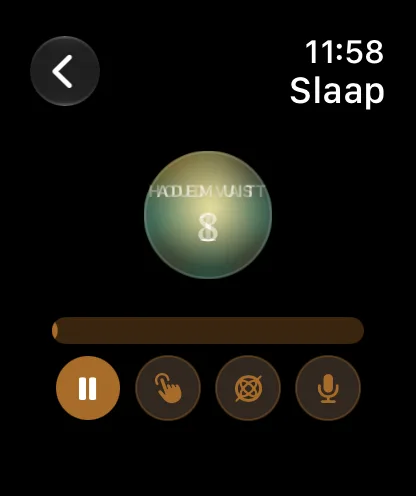
Breathe on the wrist
Pick a rhythm, follow the phase, feel haptics — solo too, without the iPhone nearby.
Included
What's included
Clear breath orb
A soft circle that grows with inhale, hold and exhale — with a countdown on screen, so you do not have to count.
Voice, tone or haptics
Choose cues from Johannes or Tessa, a soft tone, or wrist haptics. On the Watch you can feel the breath without watching the screen.
iPhone, iPad & Watch
Start on your phone or tablet. On Apple Watch you can breathe solo — even without the iPhone nearby.
Guidance for every rhythm
Short steps and (where available) instruction videos, so you know what a rhythm does before you start.
Use
How it works
Four steps — from disclaimer to session or Watch.
- 1
Read the short safety intro
Every start begins with a clear disclaimer — breathwork is wellness, not medical treatment.
- 2
Pick a rhythm
Sleep, Focus, Calm or Energy — or set My 1 / My 2 to your own timing.
- 3
Start and follow the orb
Play, restart, haptics and sound sit with the session. No account, no paywall.
- 4
Read along or start from Watch / widget
Under Guide you find steps per rhythm. Widget and Watch bring the timer closer to your day.
Presets
Rhythms to start with
Plus My 1 and My 2 for your own timing.
Sleep
4 · 7 · 8
In · hold · long out — to land in the evening and slow the breath.
Focus
Box
Equal sides: in, hold, out, hold — for a clear, steady moment.
Calm
5 · 5
Gentle coherence — in and out at the same pace, to soften.
Energy
activerend
A livelier rhythm when you want to wake up without coffee jitter.
Fit
Who it's for
Yes
- Anyone who wants to land in the evening without a long meditation app
- Anyone who wants a quick reset between meetings — on iPhone, iPad or wrist
- Anyone who wants to practise rhythms with voice or haptics — not just a bare counter
Not
- Acute breath distress, panic or medical issues — see a doctor first
- Anyone looking for a full psoas or yin protocol — that is Psoas Reset / Keep
Frequently asked questions
Next
Read on & practise
The App Store download button appears here once Apple has approved the app.